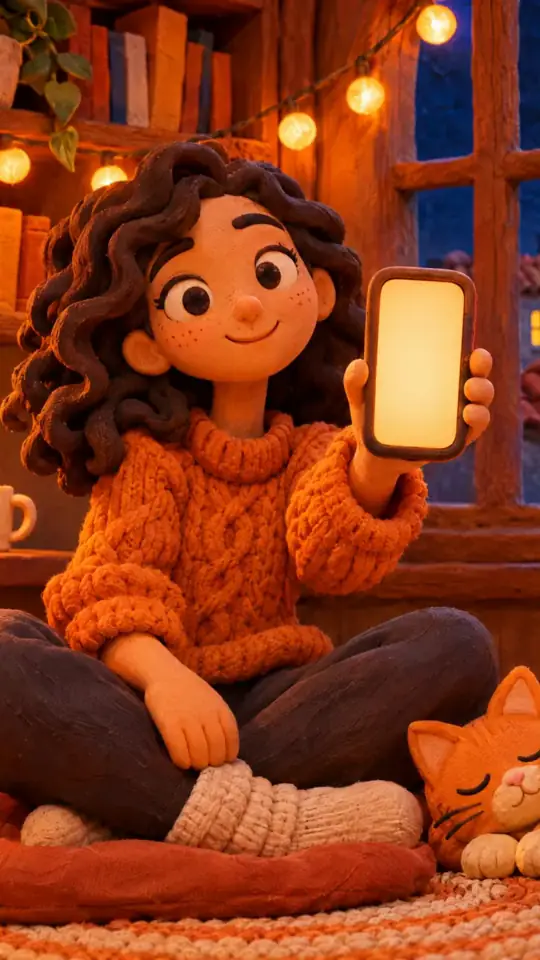
Tech tutorial video maker — Terracotta studio style
Make a tech tutorial video with UI cards floating in light 3D on cream: numbered labels, rolling counters, terracotta plates and italic serif captions.
Starter में शामिल, आपकी अपनी स्टाइल के साथ सभी 27 स्टाइल · पूर्वावलोकन ClipOnIt इंजन से बना है
यह स्टाइल कैसा दिखता है
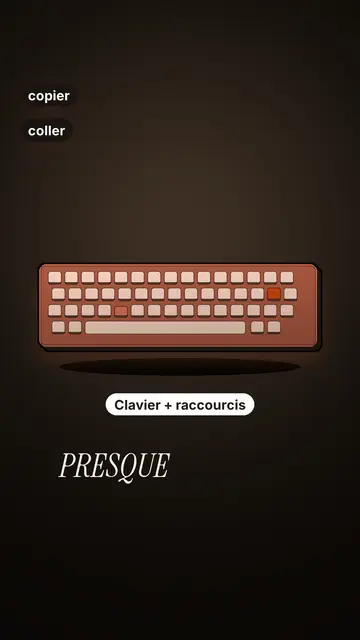
Terracotta studio explains a tool as if on a tidy workbench. On a cream background, interface cards float in light 3D, with real perspective and a warm shadow: an app window, a list of steps, an editing timeline, a sound wave drawing itself, a pad of keys lighting up one by one. At the top, a numbered label (“01”, the tool's name, “free”) says where you are and stays put while that tool is discussed. Each card enters on the word that names it.
The promise lands on a solid terracotta plate: an asterisk, an extra-bold grotesque title and an underlined italic serif word. The key number rolls in a giant counter above a floor of small cards in perspective. Small labels pop around the cards on the strong words, and captions run word by word in uppercase italic serif, the key word in terracotta. The end shows a numbered card and a button that lights up and then gets clicked.
किन विषयों के लिए उपयुक्त है
Avoid: stories carried by characters, places or emotions: the style shows interfaces, lists and numbers, not scenes from life. Also avoid topics without steps or a concrete tool; a card should always show something you can do.
- Tool tutorialsEach tool gets its numbered label and its cards: viewers follow the order without getting lost, even in 30 seconds.
- Tech tipsA shortcut, a hidden setting, a command: the lit keys and the window show the exact move.
- How things workA search, a sound, an edit: the card filling up shows the mechanism step by step.
- Free tools and app round-ups“3 free tools”, “5 apps to install”: the plate announces the number, the end card sums up the list.
इस स्टाइल में वीडियो आइडिया
- 3 keyboard shortcuts that save time
The lit keys, the closed-tabs window, the clipboard history and the card to keep.
- 5 free sites to find sounds
One label per site, the wave drawing itself, the counter of royalty-free sounds and the final list.
- How AI finds an image in one second
The typed search, the scrolling film strip, the image at the exact frame and the accuracy score.
- Editing a video on your phone
The timeline where clips stack up, the sound meter and the “Export” button clicked at the end.
सिर्फ़ 1 क्लिक में पाएं
- इस स्टाइल का लिंक खोलें
“इस स्टाइल में वीडियो बनाएं” बटन इसी स्टाइल के साथ एडिटर खोलता है। बिना खाते के, साइन अप करने में एक मिनट लगता है और कार्ड की ज़रूरत नहीं है।
- एक वाक्य में अपना विषय लिखें
एक आइडिया काफ़ी है। आप अपना टेक्स्ट भी पेस्ट कर सकते हैं या Starter से माइक में बोलकर बता सकते हैं: तब वीडियो आपकी आवाज़ पर बनेगा।
- जाँचें, फिर रेंडर करें
AI सीन लिखता है, स्टाइल के एलिमेंट चुनता है और उन्हें शब्दों के साथ समय पर लगाता है, आवाज़ और कैप्शन के साथ। आप जो ठीक न लगे उसे सुधारें, फिर कुछ ही मिनटों में वर्टिकल MP4 तैयार हो जाएगी।
आप क्या बदल सकते हैं
For each scene you pick one to three cards out of twelve (window, list, timeline, wave, pads, counter, meter, score, numbered frames, search, film strip or a library element), the numbered label for that part, up to three small labels and the word where each one appears. A terracotta plate carries the promise, a number shot rolls the key figure, and the end card lists your tools with a button. Your own voice works too: everything locks onto the spoken words.
इस स्टाइल में बनाया गया
9 517 तत्व इसकी लाइब्रेरी में हैं, अर्थ से खोजे जा सकते हैं। उनमें से कुछ:
 पात्र
 डिवाइस
 दस्तावेज़ और स्थान
 डेटा
 बैकड्रॉप्स
 इंटरफ़ेस
 विज्ञान
 कार्रवाइयाँ
अक्सर पूछे जाने वाले सवाल
मुफ़्त है या नहीं, आउटपुट, उपयोग: संक्षिप्त जवाब।
Do I need screenshots of my tools?
No. The engine draws the interface cards from your text: titles, lines, keys, numbers. No screenshot or brand logo is used.
क्या मैं अपनी आवाज़ का उपयोग कर सकता हूँ?
Yes. Record yourself or import your audio: every card, every key and every caption word locks onto what you say.
How is it different from Clean interface?
Clean interface tells a story in OS-style windows with a clicking cursor. Terracotta studio is built for tutorials: cards in light 3D, a numbered label per tool, terracotta plates and counters.
क्या यह स्टाइल मुफ़्त प्लान में है?
नहीं, यह Starter ($29/महीना) में आता है: हर महीने 15 बिना वॉटरमार्क वाले वीडियो, सभी 27 स्टाइल और आपकी अपनी स्टाइल। मुफ़्त प्लान में हर महीने 3 वीडियो मिलते हैं, जिन पर वॉटरमार्क होता है, और 8 अन्य स्टाइल में: Pixel News, Press paper, Comedy cartoon, Class sketch, Night tale, Social screen, Retro synthwave और Flat vector।
अगर आपको यह स्टाइल पसंद है
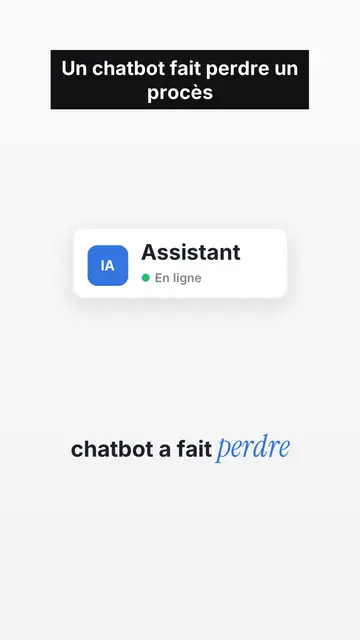
UI motion design explainer video
Clean interface style · The story played out in clean interface cards: windows, buttons, a cursor clicking on the word, key word in serif.
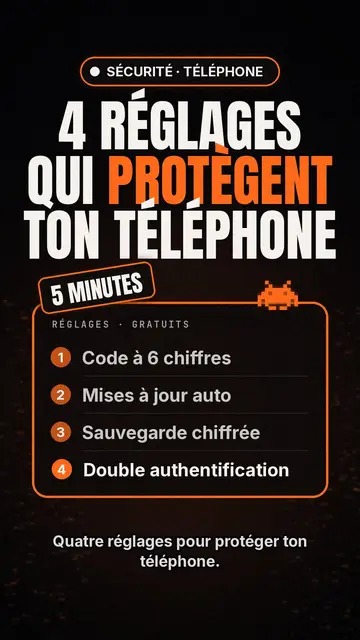
Tech top list video maker
टेक लिस्ट स्टाइल · काले बैकग्राउंड पर Tech कार्ड, चमकता बैज, क्रमांकित सूची।
किनेटिक टाइपोग्राफ़ी वीडियो मेकर
स्विस ग्रिड स्टाइल · स्विस टाइपोग्राफ़ी: हल्का पेपर, सख़्त ग्रिड, बड़ा अंक, एक ही सिग्नल रंग।
आपका आइडिया, इस स्टाइल में
एक वाक्य लिखें या बोलें: एडिटर में पहुँचते ही स्टाइल पहले से चुना होगा।